
How a 3D Scanner Works
A 3D scanner captures the shape of a real object as a cloud of measured points, then turns those points into a digital mesh. The usual workflow is simple: scan the object from several angles, align the scans, clean the result, and export a file such as STL, OBJ or PLY.
That digital model can then be measured, compared with a design, edited in CAD or sent to a 3D printer.
Types of 3D Scanners
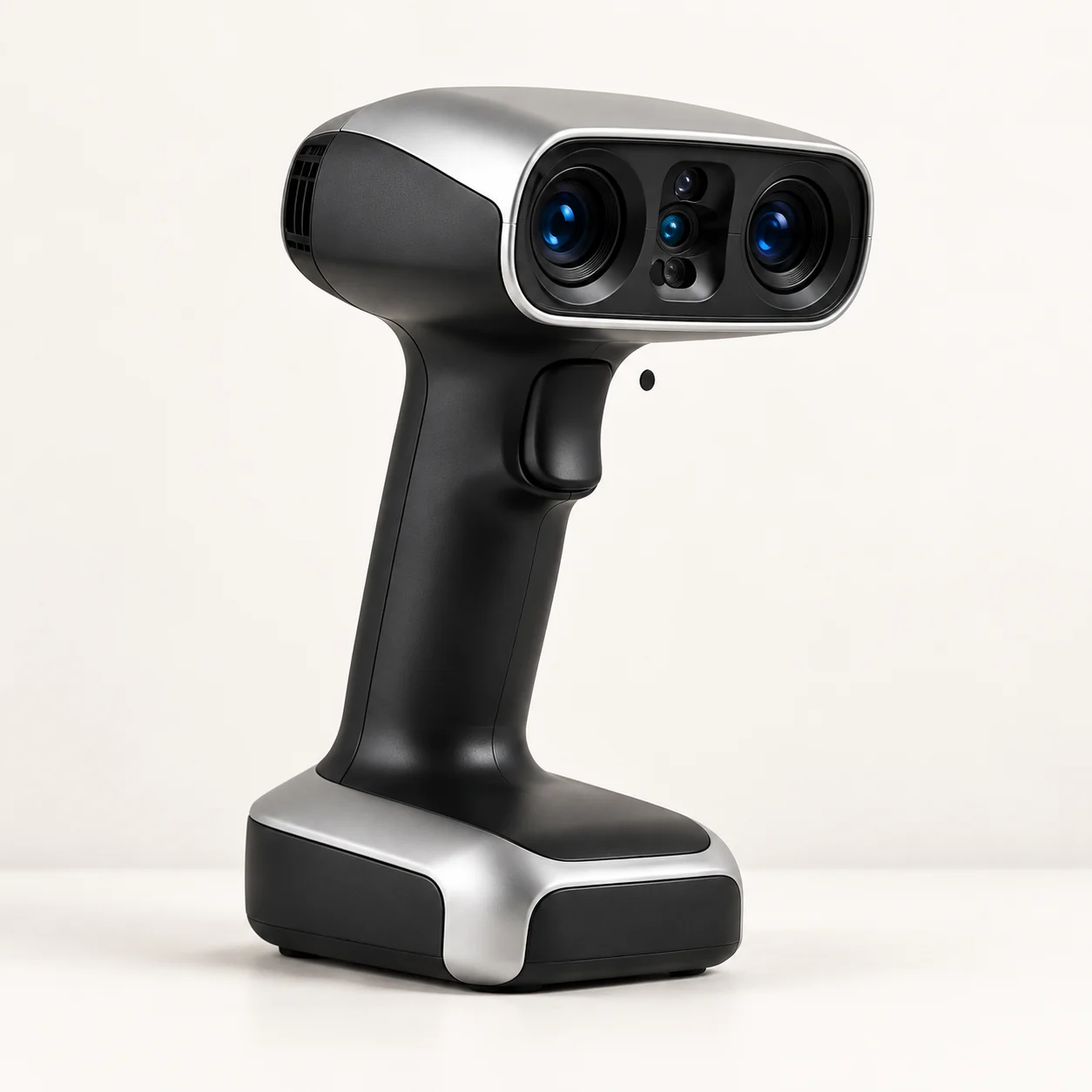
Handheld scanners are portable and suit larger objects, awkward shapes and scanning on site.
Desktop and turntable scanners are compact systems for small objects, where the part rotates in front of the scanner.
Structured light scanners project patterns of light onto the surface and capture detailed geometry on small and medium parts.
Laser scanners measure the surface with laser lines and are widely used for engineering and inspection work.
Photogrammetry builds a model from many photographs. It is a low-cost way to capture large or distant subjects, though the results are usually less precise.
Accuracy and Resolution
Accuracy is how close the scan is to the real object. Resolution is how fine the detail is. A scanner can record small detail yet still be less accurate over a large object, so check both.
Ask for the stated accuracy and how it was measured, and decide what tolerance your job needs. Reverse engineering a mechanical part and digitising a display model need very different levels of precision.
Preparing Objects to Scan
Shiny, black and transparent surfaces are hard to scan because they reflect or absorb light. A thin matte coating or scanning spray usually solves this.
Keep the object still, use steady lighting, and add reference markers if the object has few features. Good preparation often matters as much as the scanner itself.
From Scan to Finished Part
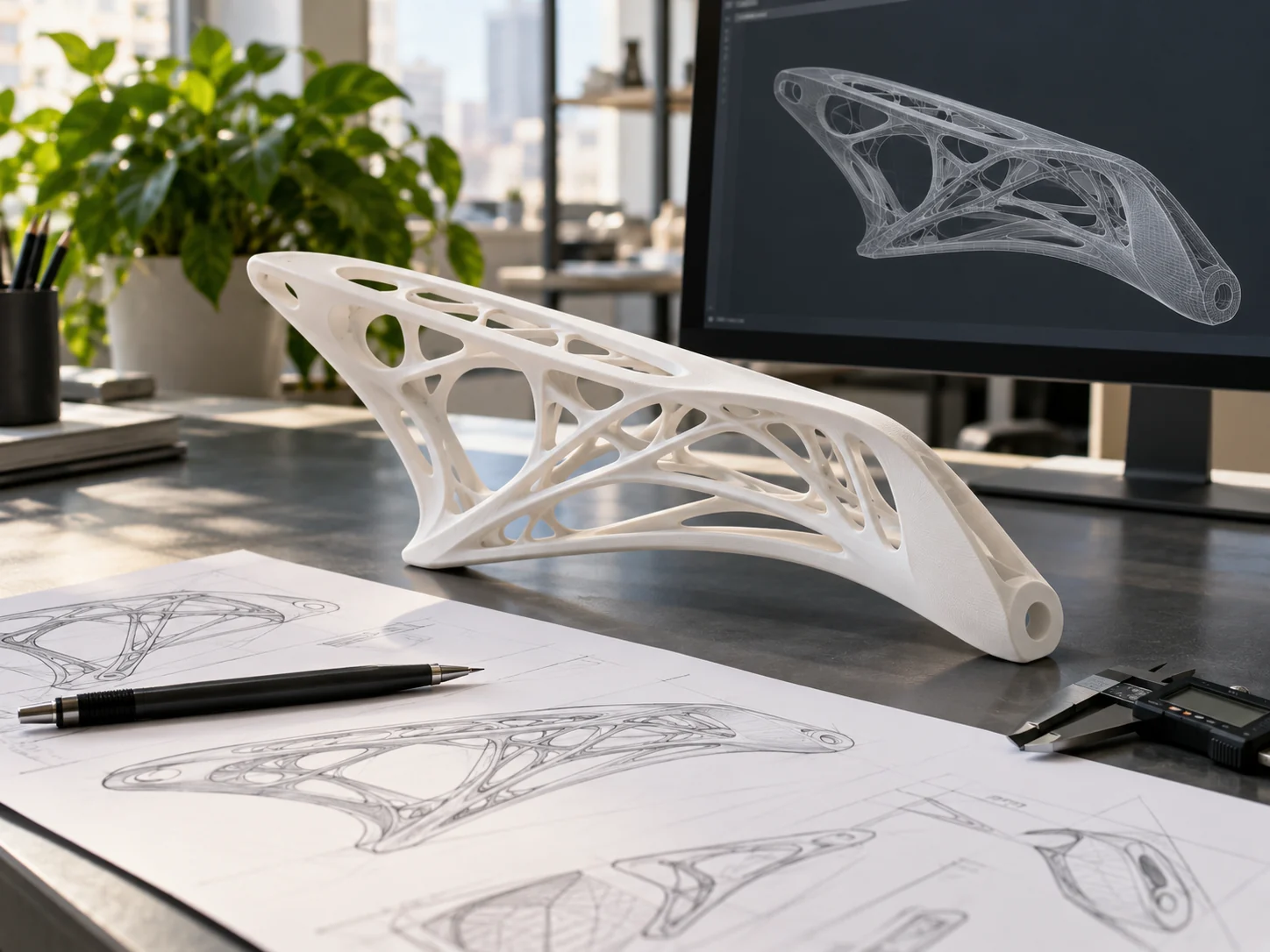
A raw scan usually needs cleanup: filling holes, smoothing noise and trimming stray data. For reverse engineering, the scan is rebuilt as a clean CAD model so you can change dimensions or add features.
From there you can 3D print copies, create replacement parts or design something that fits around the original.
How to Choose a 3D Scanner
Work through these points before you buy: object size, accuracy and resolution, surface type, portability, software and file formats, and your budget, including training and support.
A scanner that suits small, detailed parts is rarely the best choice for large objects, so start with the objects you scan most often.
Get 3D Scanner Advice from 3DPrinting.ae
3DPrinting.ae supports makers, engineers and businesses in Dubai and across the UAE. Share the size and surface of your object, the accuracy you need and your budget, and we will discuss suitable 3D scanner options. Exact models, pricing and availability are confirmed individually before you order.