What is a 3D Slicer and How Does It Work?
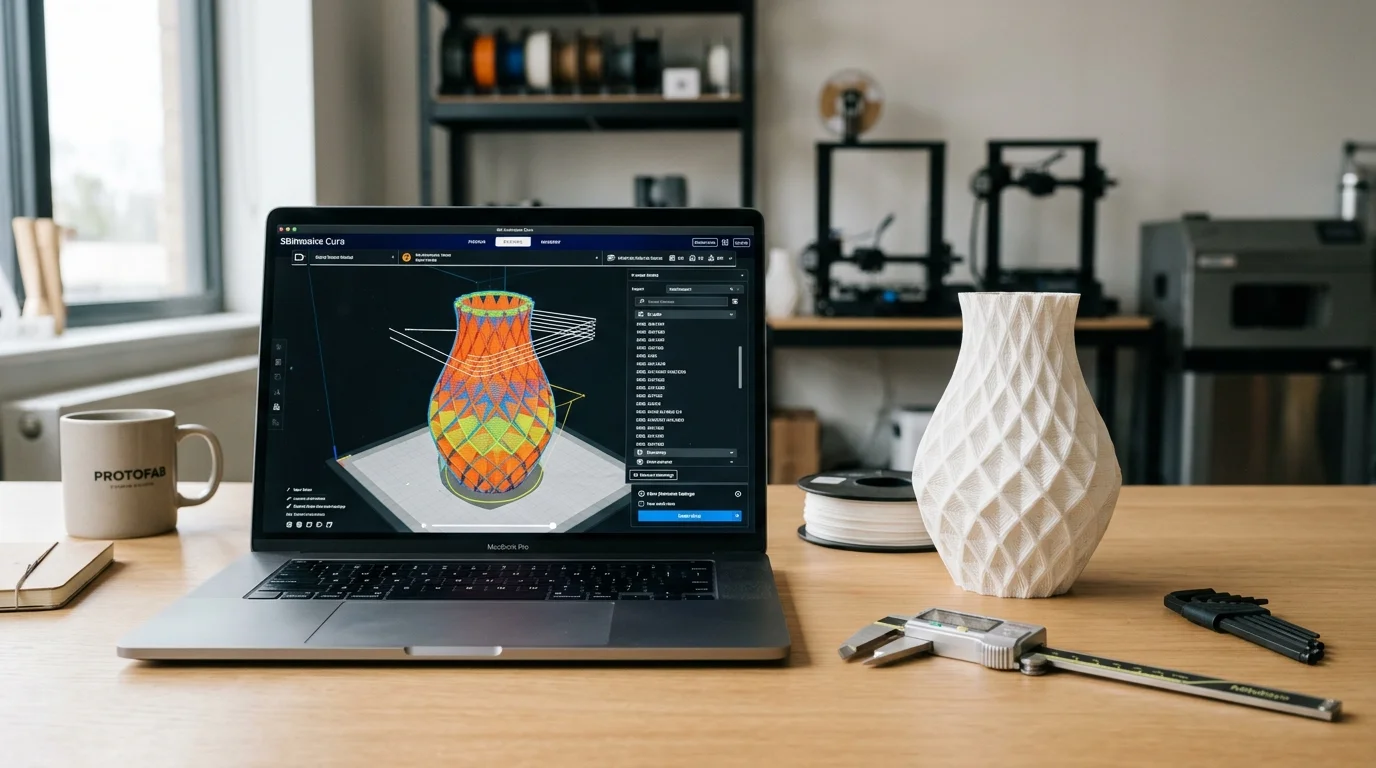
Think of a 3D slicer as the essential translator between your computer screen and your 3D printer. When you design or download a 3D model—saved as an .STL, .OBJ, or .3MF file—your printer cannot read that digital shape directly. It needs specific motor commands.
This is where slicing software comes in. The slicer takes your 3D model and slices it horizontally into hundreds or thousands of microscopically thin 2D layers. It calculates the exact toolpath the printhead must travel to draw each perimeter outline and fill in the interior spaces.
Once the slicer finishes calculating, it outputs a G-code file. G-code is the fundamental machine language that controls every physical movement of your printer: precise XYZ coordinates, extrusion volume, print speeds, cooling fan stages, and nozzle and bed temperatures.
Top Slicer Recommendations: Which One Should You Use?
The Best for Beginners: The Slicer That Came With Your Machine. If you are brand new to 3D printing, the smartest move is to use the official software provided by your printer's manufacturer (such as Bambu Studio for Bambu Lab printers, PrusaSlicer for Prusa machines, or Creality Print). These programs come pre-tuned with tested profiles for your exact hardware, nozzle sizes, and materials. Everything works straight out of the box with zero guesswork.
The Best for Learning Every Setting: UltiMaker Cura. Cura has long been the world's most widely recognized open-source slicer. What makes Cura truly special for beginners is the free 'Settings Guide' plugin (created by GhostKeeper). Once installed, hovering over any obscure print setting opens a popup with plain-English explanations and visual diagrams showing exactly what changing that value will do to your part.
The Best Modern All-Rounder: Orca Slicer. Built by the open-source community as an evolved fork of Bambu Studio and PrusaSlicer, Orca Slicer has quickly become the favorite daily driver among makers. It combines a massive library of ready-made profiles for almost every modern printer brand with built-in automated calibration tests—including flow rate, pressure advance, and temperature towers.
The Best Hybrid for Resin and Filament: Lychee Slicer. While most programs focus exclusively on FDM or SLA, Lychee Slicer is a unified suite designed to slice models for both resin and filament printers. It features an intuitive, step-by-step visual workflow and a large database of community-shared resin and filament profiles.
Quick Decision Guide: Matching Slicer to Your Needs
Brand new to 3D printing? Stick with your printer manufacturer's official software (Bambu Studio, PrusaSlicer, Creality Print) for guaranteed out-of-the-box reliability.
Want to understand what every setting and checkbox actually does? Download UltiMaker Cura and install the free Settings Guide plugin to learn with helpful diagrams.
Want a powerful daily driver with built-in calibration prints and broad machine support? Use Orca Slicer for the best all-around feature set.
Working with both resin (MSLA) and filament (FDM) printers side-by-side? Choose Lychee Slicer to manage all your machines under a single interface.