Quick Comparison Matrix
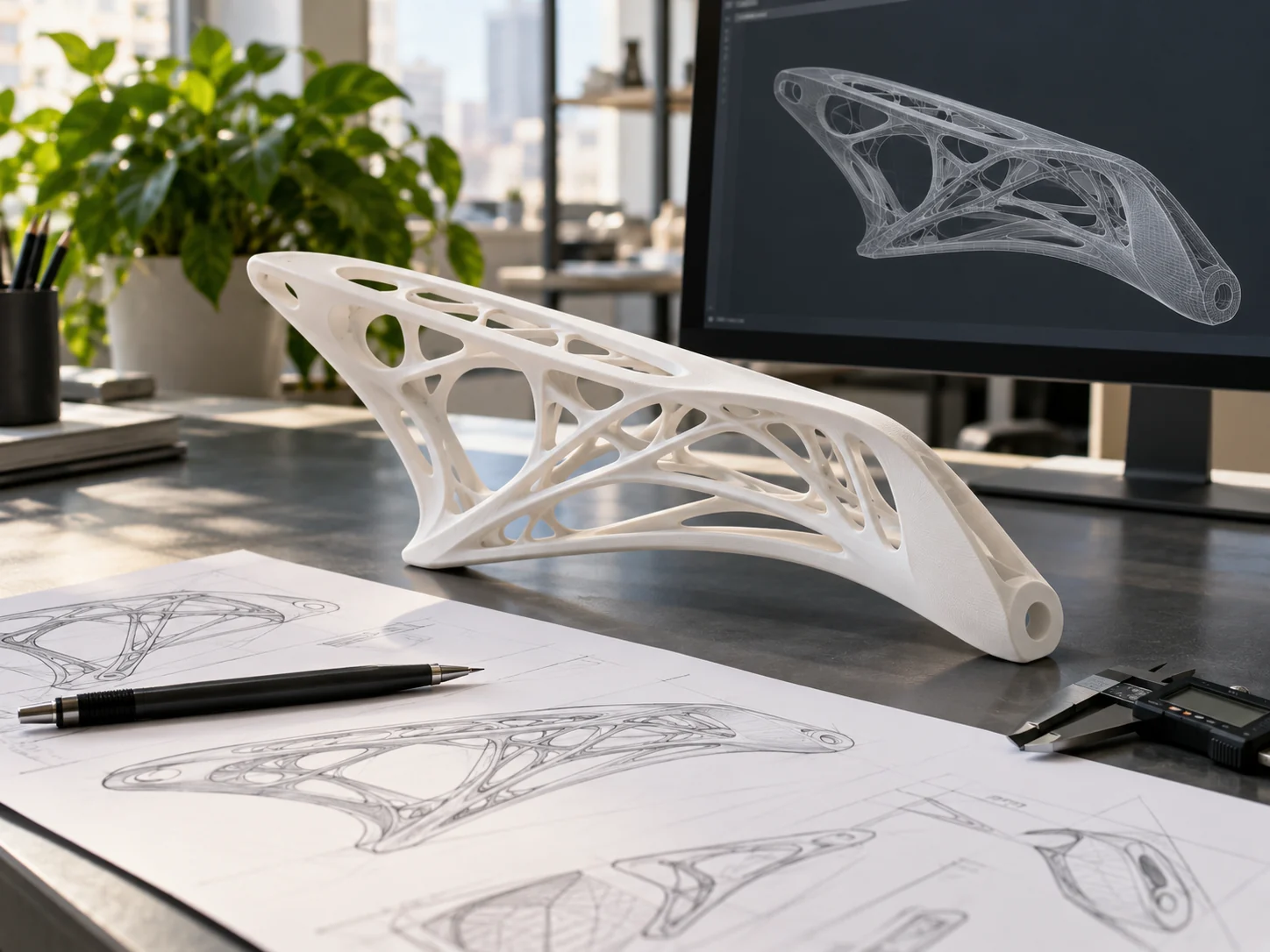
Computer-Aided Design (CAD) software is where ideas transform into physical objects. While commercial engineering packages like SolidWorks can cost thousands of dollars per year, several full-featured free tools and non-commercial licenses offer professional-grade capabilities.
Whether you are building simple home fixes, intricate mechanical assemblies, or educational STEM projects, there is a capable free program built specifically for your experience level.
Top 5 Free CAD Programs In-Depth
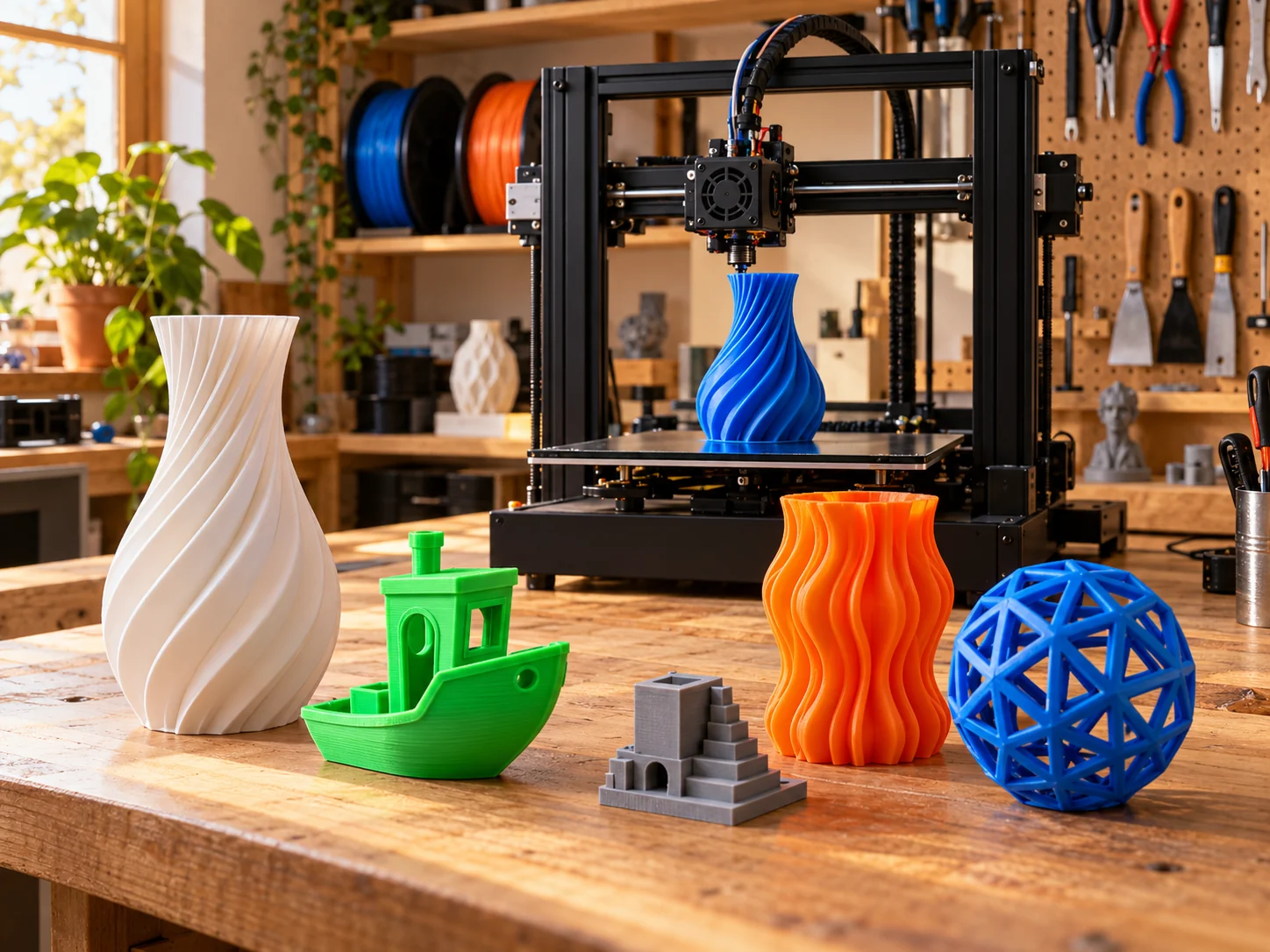
TinkerCAD (by Autodesk): The undisputed best starting point for total beginners and kids. It runs entirely inside your web browser with zero installation. You design by dragging, dropping, and grouping geometric primitives (boxes, cylinders, spheres). Export directly to .STL or .OBJ with one click.
Onshape: A powerhouse cloud-native parametric CAD platform developed by the original creators of SolidWorks. Because it runs in the cloud, you can design on Windows, Mac, Chromebooks, or tablets without powerful graphics cards. The free tier gives you full parametric modeling tools, provided your public documents remain viewable to the community.
FreeCAD: A 100% free, open-source parametric modeler with zero commercial restrictions. Your files stay private on your local machine forever. Its modular workbench structure lets you tackle mechanical assemblies, technical drawings, and architectural BIM modeling.
Solid Edge Community Edition (by Siemens): A professional industrial CAD suite made free for hobbyists and personal makers. It features Siemens' innovative Synchronous Technology, allowing you to combine the speed of direct modeling with the accuracy of parametric dimensioning.
Autodesk Fusion (Personal Use): The all-in-one favorite among makers and inventors. The free personal tier gives you parametric modeling, freeform sculpting, generative tools, and integrated CAM toolpaths for CNC routing and 3D printing.
Specialized & Alternative CAD Tools
OpenSCAD (Code-Based CAD): If you are a programmer who prefers typing equations over dragging a mouse, OpenSCAD is ideal. You define 3D shapes purely with script code, making it the perfect tool for creating customizable, parametric brackets, gears, and modular grids.
Blender (Artistic & Organic Sculpting): While not traditional parametric CAD, Blender is the open-source king for sculpting figurines, character miniatures, organic textures, and complex artistic meshes for 3D printing.
Plasticity (NURBS Modeling): Tailored for concept artists and industrial designers who want fluid, cinematic curves combined with sharp CAD filleting.
CAD Tools for Students & Young Learners
For classrooms and young makers, TinkerCAD remains the gold standard thanks to integrated lesson plans and safe classroom sharing.
For high school and university students, Autodesk Fusion and Onshape provide free educational licenses with complete feature sets, preparing learners for professional engineering careers.
Choosing the Right Tool for Your Project
Brand new to 3D design? Start with TinkerCAD to grasp 3D spatial thinking in under 15 minutes.
Designing mechanical brackets, enclosures, or functional assemblies? Use Autodesk Fusion or Onshape for full parametric history trees.
Want 100% offline privacy and zero license limitations? Choose FreeCAD for open-source freedom.
Sculpting organic figures, monsters, or jewelry detail? Pair CAD with Blender for artistic sculpting.